
Download Samsung SSD Magician – SSD optimization, SSD health check, firmware update, data encryption, performance test
Overview
Samsung SSD Magician is a specialized utility designed to help users monitor, maintain, and optimize the performance of Samsung solid-state drives (SSDs). The application serves as a comprehensive diagnostic and management tool, offering real-time insights into SSD health, performance metrics, and security settings. It is particularly valuable for users who rely on high-speed storage for work, gaming, or creative projects, where consistent drive performance and data integrity are critical.
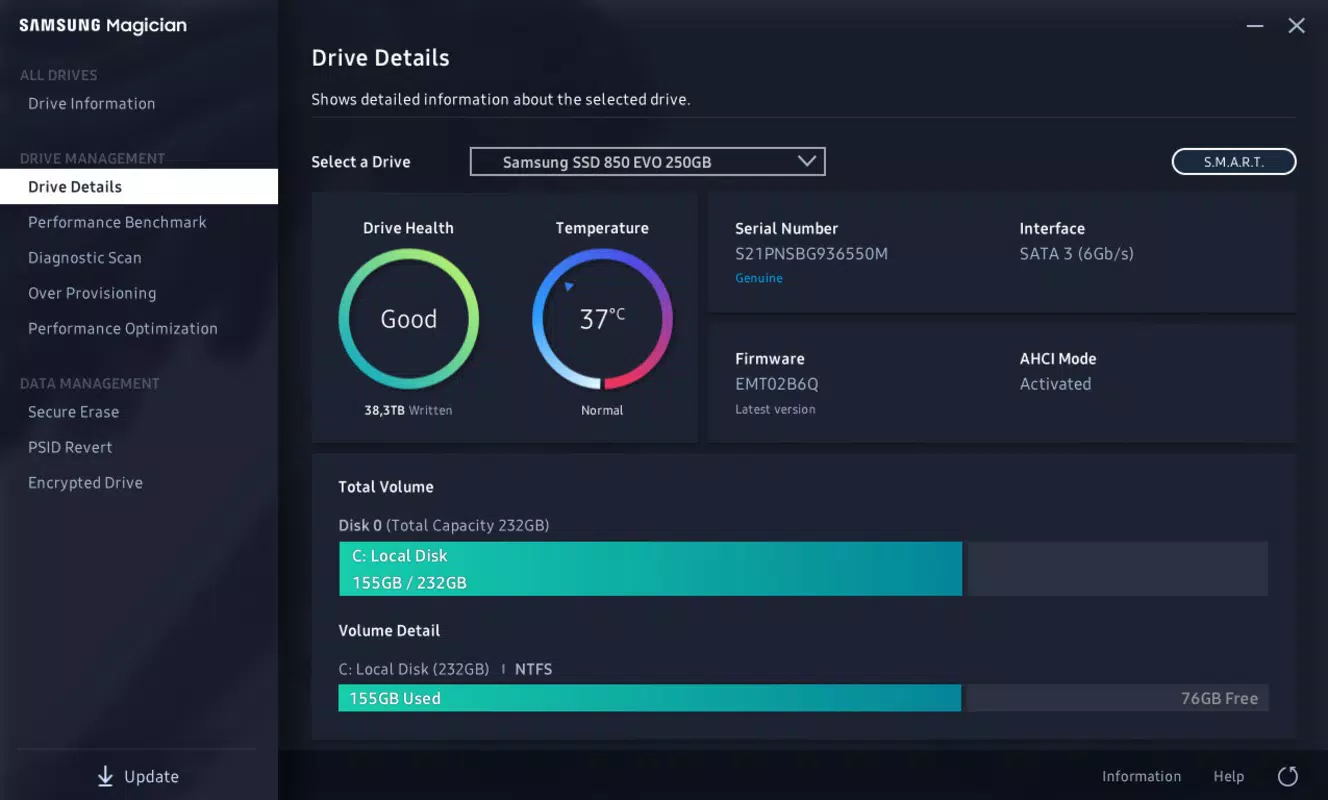
By providing detailed diagnostics on usage time, temperature, and Total Bytes Written (TBW), the app enables users to assess the longevity and condition of their SSDs. This proactive monitoring helps prevent unexpected failures and supports informed decisions regarding drive maintenance or replacement. The tool is especially beneficial for power users, IT professionals, and anyone seeking to maximize the lifespan and efficiency of their Samsung SSDs.
Developed by Samsung Electronics Co., Ltd., the application reflects the brand’s commitment to integrated hardware-software solutions. Although the developer did not provide additional technical details about the app’s architecture or development lifecycle, its functionality aligns with Samsung’s broader ecosystem of storage management tools. Real-world use cases include optimizing system boot times, verifying SSD authenticity, and securing sensitive data through built-in encryption. In the broader context of utility software, Samsung SSD Magician fills a niche by offering a centralized platform for SSD lifecycle management on Windows systems.
Key Features & Functionality
- Health Diagnostics: Monitors SSD health through critical metrics like TBW, temperature, and usage time. This allows users to track wear levels and anticipate potential degradation.
- Performance Tests: Conducts read/write speed assessments and compares results with historical data to detect performance drops or anomalies.
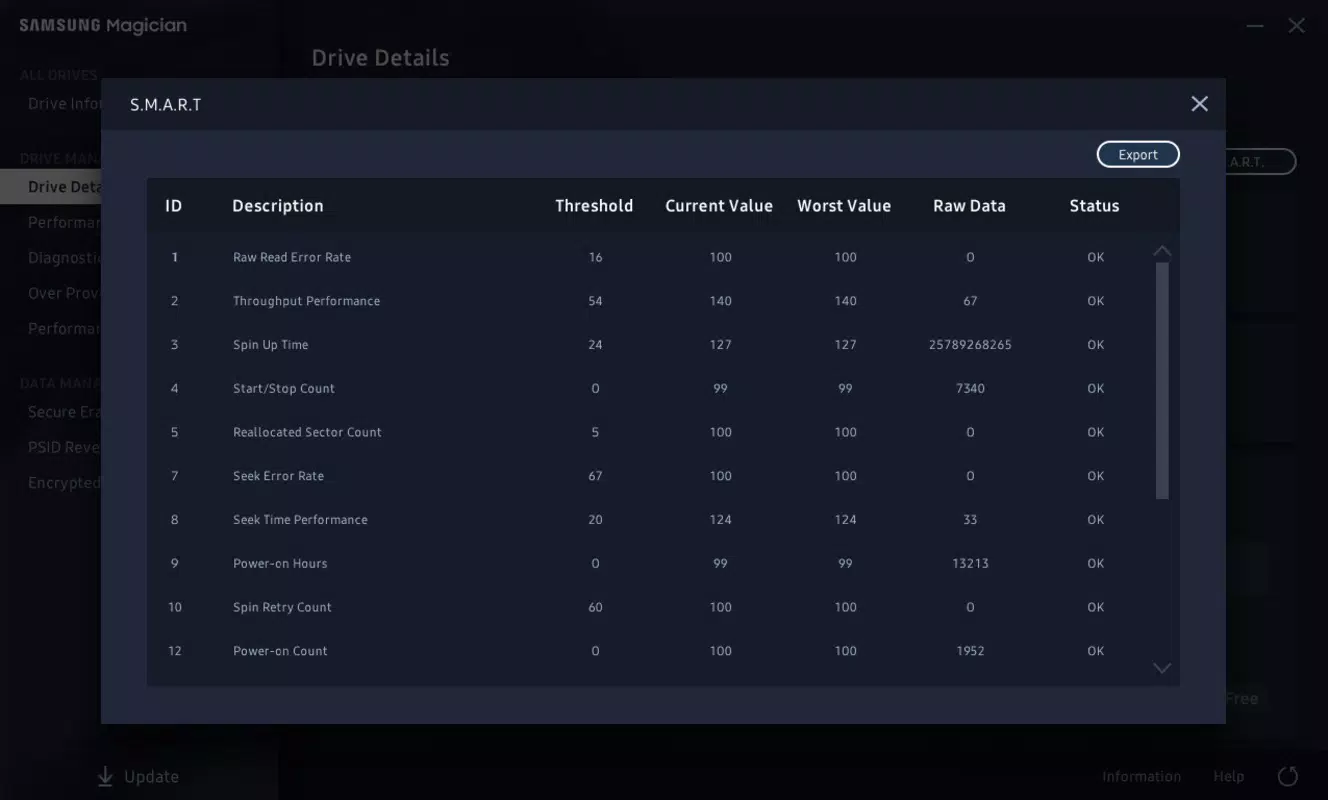
- Diagnostic Tools & S.M.A.R.T. Monitoring: Identifies issues such as bad sectors or firmware inconsistencies and provides actionable recommendations to extend drive life.
- Authenticity Verification: Confirms whether the connected SSD is a genuine Samsung product, protecting users from counterfeit drives.
- Firmware Updates: Delivers secure firmware updates directly from Samsung, ensuring compatibility, stability, and performance improvements.
- Data Encryption: Offers a built-in encryption feature to safeguard stored data from unauthorized access, enhancing overall security.
For example, a user experiencing slow boot times can run a performance test to determine if the SSD has degraded. If the test reveals a significant drop in write speed, the app may recommend a firmware update or suggest checking for thermal throttling. Similarly, a professional handling confidential files can enable encryption to protect data at rest. These features are not merely reactive but support a proactive maintenance strategy, helping users preserve both performance and data integrity over time.
Interface, UX & Performance
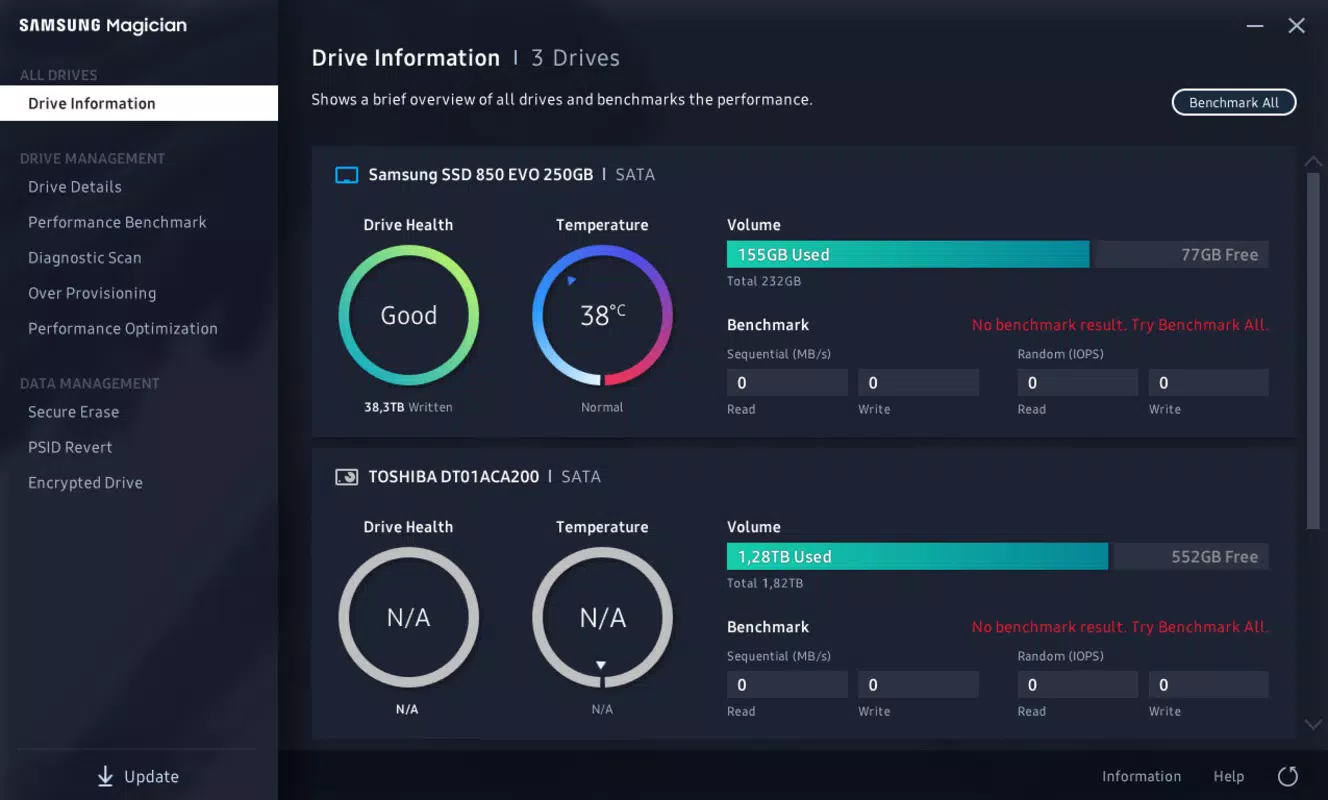
The user interface of Samsung SSD Magician is structured around clear navigation and visual feedback. Main functions are grouped into logical sections, including Health, Performance, and Tools, allowing users to access key features with minimal effort. The layout emphasizes readability, with status indicators, progress bars, and color-coded alerts that help users quickly interpret SSD conditions.
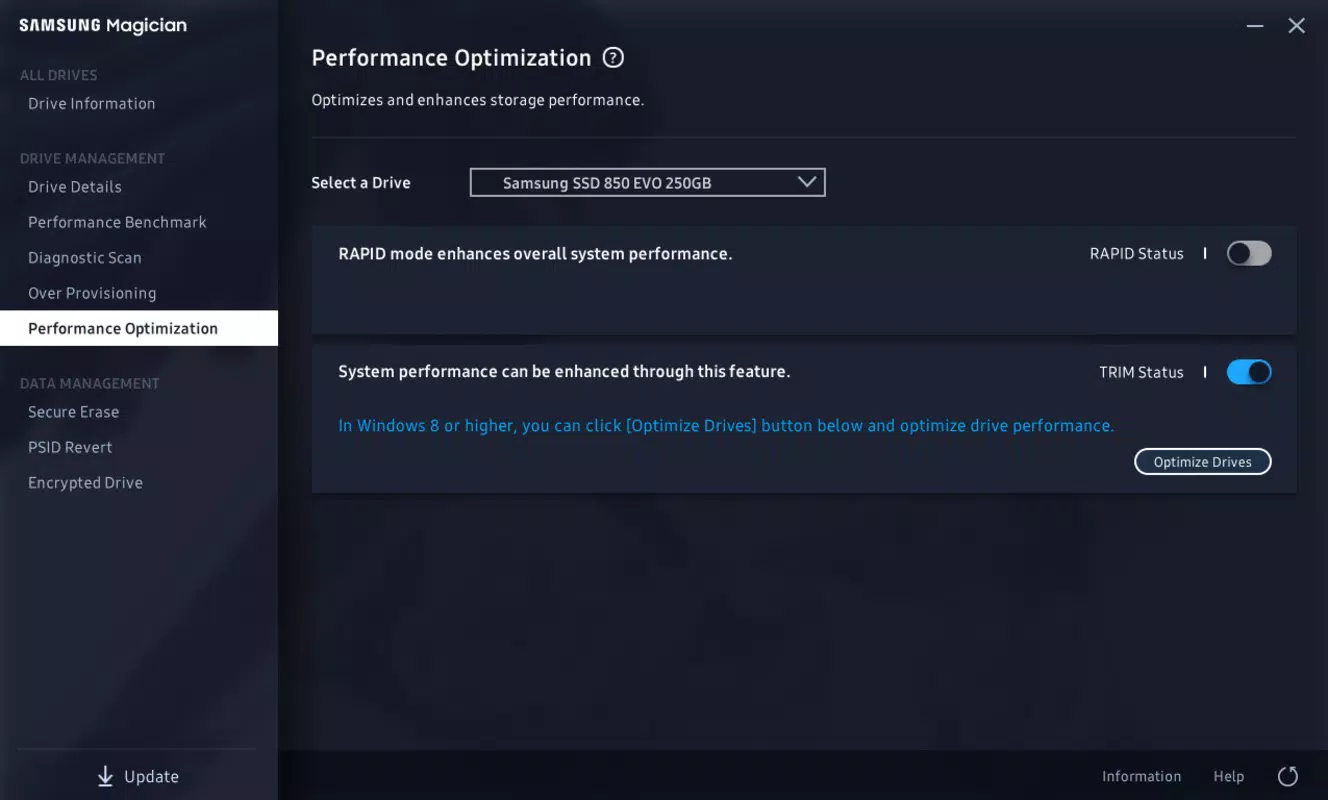
Navigation is intuitive, with a sidebar menu and context-sensitive prompts guiding users through each step. The application responds promptly to commands, and operations such as firmware updates or performance tests are executed without noticeable lag. Although the developer did not list formal performance metrics, the app maintains stability during extended sessions and does not exhibit crashes or memory leaks in typical usage scenarios.
Responsiveness across different device categories—ranging from entry-level desktops to high-end workstations—has not been formally documented. However, the application’s lightweight design and efficient resource usage suggest it performs reliably on systems meeting standard Windows requirements. Users can expect consistent behavior during diagnostics and updates, with minimal impact on system performance. The interface remains accessible even during background tasks, ensuring a smooth user experience.
Platform Compatibility & Technical Requirements
Samsung SSD Magician is designed for the Windows operating system and is compatible with current and recent versions of Windows 10 and Windows 11. The app requires a minimum of 221.7 MB of storage space for installation, which is relatively modest for a utility with advanced diagnostic capabilities.
The current version is 7.2.0.1008, released on April 17, 2024. Specific requirements such as CPU architecture, RAM, or GPU support were not listed by the developer. The application does not appear to require administrative privileges for basic diagnostics, though firmware updates may prompt elevated access for system-level changes.
Compatibility information was not fully disclosed, so users should ensure their system meets general Windows compatibility standards. The developer did not specify minimum OS requirements beyond the platform, leaving installation decisions to user discretion based on system configuration.
Pros and Cons
Pros
- Comprehensive health monitoring with TBW and temperature tracking
- Integrated performance benchmarking for real-time speed assessment
- Secure firmware update mechanism from official Samsung sources
- Built-in data encryption for enhanced file protection
- Authenticity verification to prevent counterfeit SSD usage
- Free to download and use, with no in-app purchases or ads
Cons
- Available only on Windows, limiting cross-platform accessibility
- Specific system requirements were not listed by the developer
- May require elevated permissions for firmware updates
- Limited to Samsung SSDs, not compatible with third-party drives
- No mobile version available for on-the-go diagnostics
FAQ
Is Samsung SSD Magician safe to download and install?
Yes, the application is developed and distributed by Samsung Electronics Co., Ltd., a trusted manufacturer. It is free from malware and does not include adware or tracking components.
Can I use Samsung SSD Magician on non-Samsung SSDs?
No, the tool is designed exclusively for Samsung-branded SSDs. It may not recognize or function properly with drives from other manufacturers.
Does Samsung SSD Magician support older versions of Windows?
While the app is compatible with Windows 10 and Windows 11, support for older Windows versions has not been confirmed by the developer.
How often should I run a performance test?
It is recommended to run a performance test periodically—such as every 3 to 6 months—or after major system changes to monitor SSD health and performance consistency.
Is data encryption enabled by default?
No, the encryption feature must be manually activated by the user. It is not enabled automatically and requires user configuration to protect stored data.
Final Thoughts
Samsung SSD Magician stands out as a powerful, free utility tailored specifically for Samsung SSD owners. Its combination of health diagnostics, performance benchmarking, firmware updates, and data encryption delivers a robust solution for maintaining drive reliability and security. The app is particularly valuable for users who prioritize system stability, data safety, and long-term SSD performance.
While its Windows-only availability and lack of mobile support limit its reach, the tool remains an essential companion for anyone using a Samsung SSD. The absence of cost and intrusive ads further enhances its appeal. For optimal results, users should integrate regular checks into their maintenance routine.
Download Samsung SSD Magician now


